Moving to Cloud-Based Veterinary Software: Your Complete Migration Guide
If you’ve been running your equine practice on paper records, spreadsheets, or legacy desktop software, you already know the drill. You’re chasing down patient histories between appointments, reconciling invoices at the end of a long day in the barn, and hoping your old hard drive doesn’t give out before you finish this week’s billing. The good news? There’s a better way, and more equine practices are making the switch every single month.
Moving to cloud-based veterinary software is one of the most impactful decisions you can make for your practice, but it can feel overwhelming if you don’t know where to start. This guide breaks down everything you need to know to migrate with confidence and without the chaos.
Why Equine Practices Are Making the Move
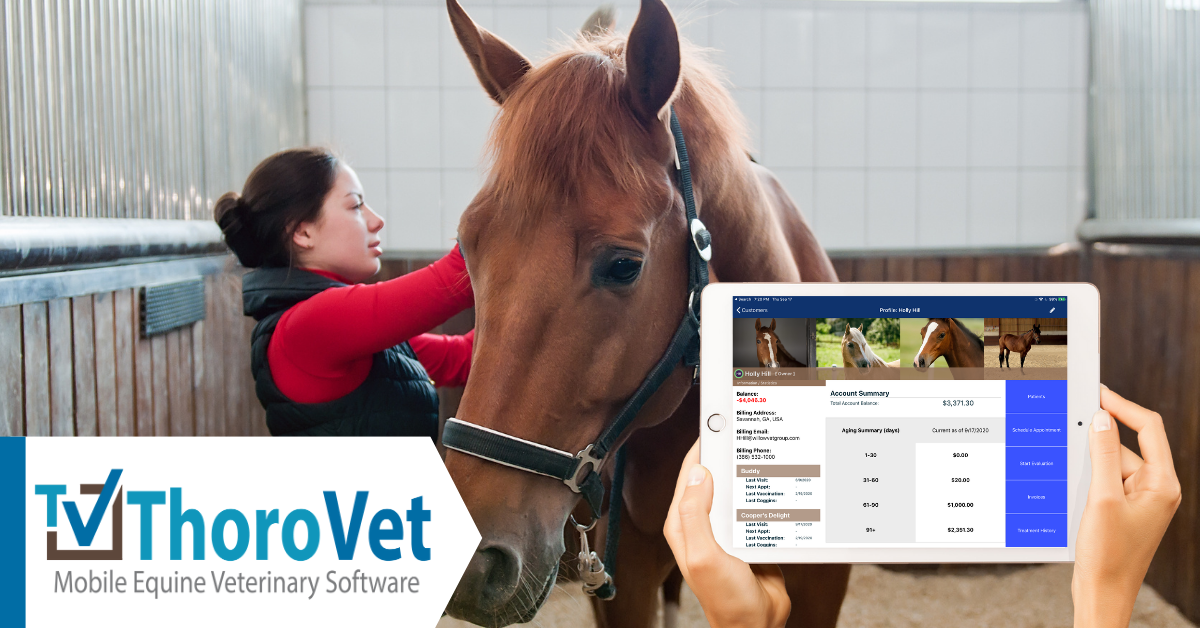
Equine veterinary work is unique. You’re not seeing patients in a single exam room. You’re out in the field, at the track, in the stall, and sometimes hours from your office. Your records need to travel with you, and your team needs to access the same information in real time, whether they’re back at the clinic or at a farm call on the other side of the county.
Cloud-based veterinary software solves this in a way that desktop systems simply cannot. Your data lives securely online, which means any authorized device can pull up a patient record, process a payment, or send a follow-up reminder from anywhere with an internet connection. No more calling the office to look something up. No more duplicate records. No more end-of-day data entry marathons.
Beyond mobility, cloud platforms update automatically, meaning your software stays current without you paying for IT support every time something breaks. Security patches, new features, compliance updates: they happen in the background while you focus on your patients.
Step One: Audit What You’re Working With
Before you can migrate, you need to know what you’re migrating. Set aside a few hours to take stock of your current setup. Ask yourself:
What data do you actually need to move? Patient records, vaccination histories, invoice histories, client contact information, and prescription logs are usually the priority. Think about what your team reaches for most often.
What format is your current data in? Paper records will need to be scanned or manually entered. Desktop software databases can often be exported as CSV or Excel files, which most cloud platforms can import.
What are your practice’s non-negotiables? Every equine practice has specific workflows. Maybe you rely heavily on digital health certificates, or you need Coggins test tracking built in. Write down the features your new system absolutely must have before you start evaluating options.
Step Two: Choose the Right Veterinary Practice Management Software
Not all veterinary practice management software is built the same, and equine practices have very different needs from small animal clinics. When evaluating platforms, look for these essentials:
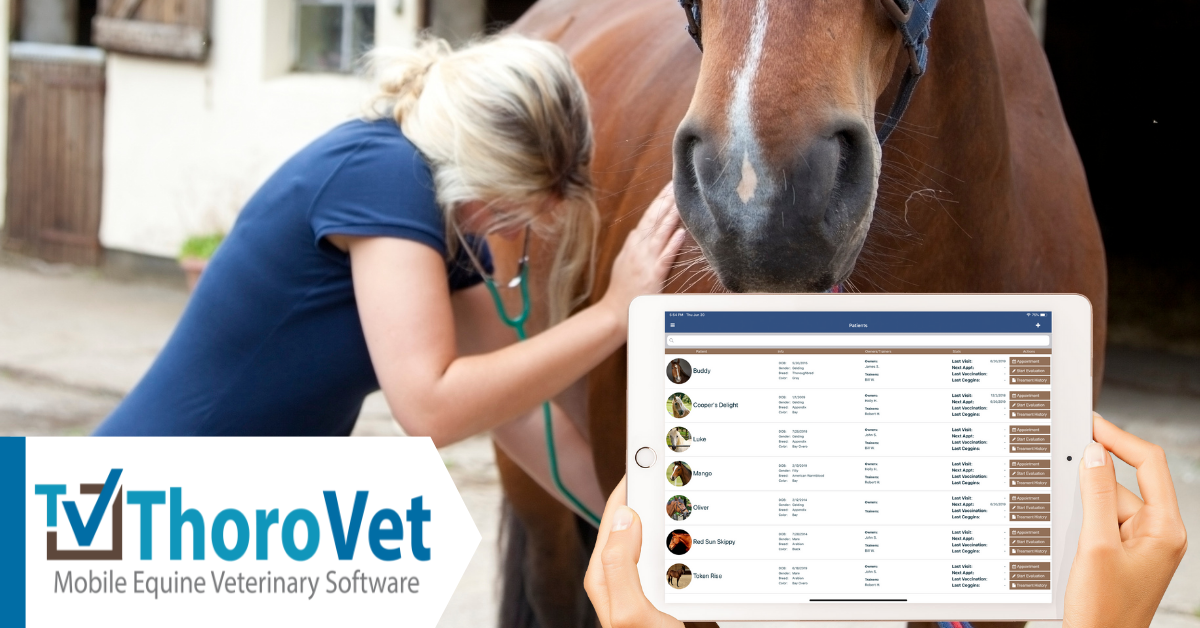
Mobile-first design. If the software is clunky on a tablet or phone, it will slow you down in the field. Test it on the device you actually use during farm calls before you commit.
Equine-specific features. Look for platforms that understand the species-specific details of your work, including dental charts, farrier coordination, breeding records, and large animal billing structures.
Offline capability. Even the best cloud systems should offer some level of offline access for areas with poor connectivity. Confirm how the platform handles syncing when you’re back in range.
Integrations. Does it connect with your accounting software, your electronic Coggins system, or your payment processor? The fewer manual data transfers you have to do, the better.
Customer support. When you’re in the middle of a busy morning, and something isn’t working, you need a team that can help quickly. Prioritize vendors with strong, responsive support.
Step Three: Plan Your Data Migration
This is the part that makes most practice owners nervous, and honestly, it’s where a little planning goes a long way.
Start with a clean data export from your current system. Most desktop software has an export function buried somewhere in the settings. If you’re not sure how to find it, contact your current vendor’s support team. They’ve usually done this before.
Once you have your data, review it before you move it. Duplicate records, outdated client contact information, and incomplete patient histories are far easier to clean up before migration than after. Think of it as a fresh start for your database.
Work with your new vendor to map your old data fields to the new system. A good cloud platform will assign a migration specialist, support team member or at least provide a detailed guide. Don’t skip this step. If your old system called something “patient notes” and your new one calls it “clinical remarks,” you need someone to bridge that gap so nothing gets lost.
Run a parallel period if your timeline allows. For a few weeks, maintain both your old system and your new one. It adds short-term workload, but it gives you a safety net if anything doesn’t transfer correctly.
Step Four: Train Your Team Before Launch Day
The most common reason cloud migrations fail is not technical. It’s adoption. If your team doesn’t understand how to use the new system, they’ll default to workarounds, and before long, you’ll have a cloud system nobody actually trusts.
Schedule hands-on training sessions before you go live. Most vendors offer onboarding calls, video libraries, or even on-site training, depending on your plan. Make use of all of it.
Identify a champion on your team, someone who gets excited about learning new tools and can answer basic questions from colleagues without everything escalating to a support ticket. This person becomes your internal resource and keeps the training momentum going after launch.
Create simple reference guides for the most common tasks your team performs daily. You don’t need a novel, just a one-page cheat sheet for checking in a patient, creating an invoice, or logging a prescription.
Step Five: Go Live and Keep Iterating
Pick a launch date that gives you some breathing room. Avoid your busiest season if you can. The first couple of weeks will involve a learning curve, and that’s completely normal.
After launch, set a 30-day check-in with your team to talk about what’s working and what isn’t. Cloud platforms are updated regularly, and your vendor’s support team may already have a solution or a workaround for any friction points you hit. Stay engaged with the platform’s user community or newsletter so you know when new features roll out.

ThoroVet: Built for the Way Equine Vets Actually Work
ThoroVet’s equine veterinary software is designed from the ground up for practices like yours. From field-ready mobile access to equine-specific record keeping, ThoroVet understands that your work doesn’t happen behind a desk. It happens in barns, at tracks, and out on the road, and your software should keep up.
If you’re ready to move away from outdated systems and start running your practice with the tools it deserves, ThoroVet is ready to help you make that transition smoothly.
Book your free demo today and see how ThoroVet can transform the way your practice operates.
Frequently Asked Questions
How difficult is it to switch to cloud-based veterinary software if I’ve been using a desktop system for years?
The transition is more manageable than most practice owners expect. A good vendor will guide you through data migration, provide training, and support your team through the learning curve. With proper planning, most practices are fully operational in their new system within a few weeks. With ThoroVet you can be up in running within a few days depending on the size of your practice and data.
What should I look for in veterinary practice management software as an equine practitioner?
Prioritize mobile accessibility, equine-specific features like Coggins tracking and dental charting, offline functionality for low-connectivity areas, and responsive customer support. Generic small animal platforms often lack the workflows that equine practices depend on.
Is cloud-based veterinary software secure enough for patient and client data?
Yes. Reputable cloud platforms use enterprise-grade encryption, regular security audits, and automatic backups that far exceed what most local desktop systems offer. Your data is typically safer in the cloud than on an aging office computer.